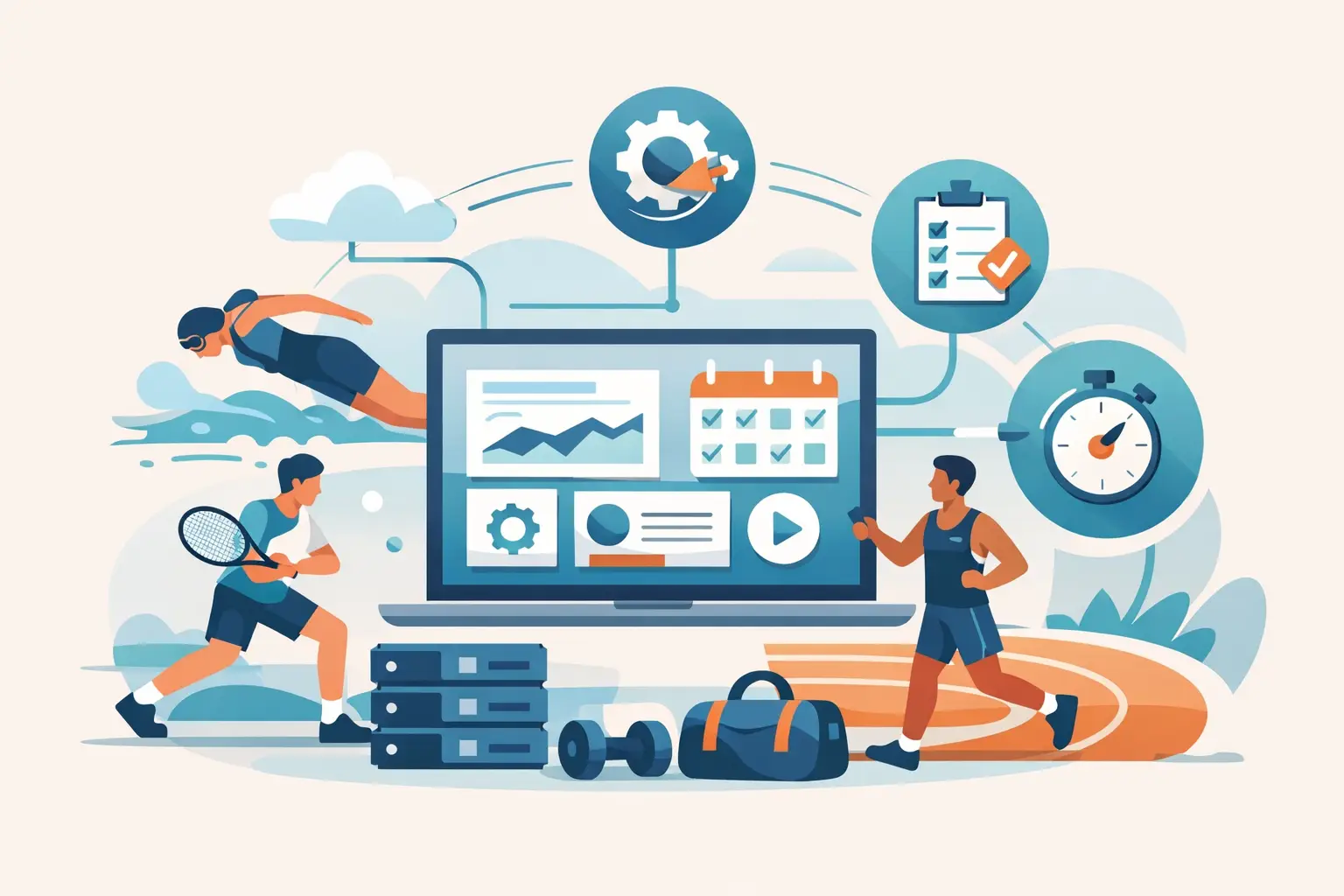
A busy club rarely has one obvious operational problem. It has a court schedule in one tool, registrations in another, payments waiting in a spreadsheet, and coaches texting players about last-minute changes. Club automation brings those moving parts into one connected workflow, so staff can spend less time chasing details and more time running a great sports experience.
For club owners, academy directors, Parks and Recreation teams, and HOA facilities, the goal is not to automate every human interaction. The goal is to make routine work dependable: reservations confirm correctly, fees are collected on time, teams have accurate rosters, and players know where to go next. When those basics work together, your club feels organized from the front desk to the final match of the day.
What Club Automation Changes for Your Staff
Automation is often described as a time-saving feature. That is true, but it understates the impact. The bigger change is consistency. A connected system gives members, players, coaches, and staff a shared source of information instead of relying on emails, paper sign-up sheets, and whoever happens to be working the desk.
Consider a player joining a seasonal pickleball league. In a disconnected setup, they may register through a form, pay through a separate invoice, wait for an email confirmation, and later search for their schedule in a group message. If they need to book a practice court or check their standings, that is another process entirely.
With connected club operations, registration can trigger payment collection, roster placement, schedule visibility, event reminders, and player access through the same environment. The player has fewer steps. Your staff has fewer follow-ups. Most importantly, the information does not need to be entered repeatedly across separate systems.
That consistency matters during busy periods. A tournament weekend, a new membership season, or a popular youth camp can expose every gap in an operation. Automation helps your team handle higher participation without creating a higher volume of manual work.
Start With the Work That Creates the Most Friction
The best automation plan is not about adding features for their own sake. Start by finding the tasks that create delays, errors, or repeated questions. For many facilities, those tasks fall into three connected areas: reservations, payments, and program administration.
Make court and shared-space reservations self-service
A court calendar should do more than display open time slots. It should apply the rules your facility already uses, such as member access windows, guest fees, reservation limits, lesson blocks, and event holds. When those rules live in the booking process, staff do not have to manually police every request.
Self-service booking also gives players more control. They can reserve a court from their phone, see availability before driving to the club, and receive confirmation without calling the front desk. For a facility with courts, fields, studios, meeting rooms, or shared amenities, one clear reservation process prevents double-bookings and confusion.
The trade-off is that reservation rules must be set thoughtfully. If your policies are unclear, automation will repeat the confusion faster. Define who can book, when they can book, how cancellations work, and when staff approval is necessary before opening the system to everyone.
Collect fees while participation is happening
Manual payment collection is more than an accounting headache. It can slow registration, leave coaches uncertain about who is officially enrolled, and create uncomfortable conversations with players who have not paid. Automated fee collection ties payment status to the activity itself.
A player can pay when registering for a league, booking a court, enrolling in a lesson, purchasing a membership, or joining a tournament. Staff can see who is confirmed without comparing payment reports against separate registration lists. Recurring membership dues and program fees can follow scheduled rules rather than requiring monthly reminders.
Not every fee should be handled the same way. A drop-in clinic may need immediate payment, while a multi-week academy program may need installments or a deposit. The right setup reflects how your club actually sells and delivers programs. Automation should support those choices, not force every activity into one payment model.
Keep teams, lessons, and events connected
A league director needs more than registrations. They need divisions, schedules, team rosters, match results, standings, and communication that reaches the right players. A coach needs lesson availability, participant information, court assignments, and a way to manage private and group sessions without building a separate calendar every week.
When these functions are connected, each update has a clear home. A schedule adjustment appears where players already check their event details. A score update can feed rankings or standings. A player moving from a waitlist into a program can receive the right confirmation without staff rebuilding the roster by hand.
This is especially valuable for clubs that run multiple formats at once: junior development, adult leagues, social play, private coaching, sanctioned-style events, and recreational tournaments. Each program has different rules, but your team should not need a different operating system for every one.
Club Automation Should Improve the Player Experience
Players do not think in software modules. They think about whether it is easy to play. Can they find an event? Reserve a court? Join a league with friends? Check a score? Challenge another player? See what is happening at their local facility this weekend?
That is why player-facing access matters. A mobile-friendly experience turns club operations into participation. Instead of receiving a string of emails with attachments, players can check schedules, manage reservations, view rankings, find competitive events, and stay connected to the community from one place.
For captains and coaches, this visibility reduces coordination work. They spend less time forwarding details and more time building teams, teaching players, and creating a welcoming environment. For club operators, it creates a stronger relationship with members because the club remains useful between visits.
A connected platform can also help facilities turn casual interest into repeat participation. A player who books an open court may later discover a round robin, a challenge ladder, a lesson, or a local tournament. Those opportunities are easier to find when reservations, events, and player activity are not isolated from one another.
Keep People in Charge of the Exceptions
Automation works best for repeatable decisions. It is less useful when a situation requires context, judgment, or a personal touch. A rain delay, a member recovering from an injury, a disputed match score, or a family asking for help with a youth program may need staff involvement.
Build clear exception paths into your process. Staff should be able to override a reservation when appropriate, issue a credit based on policy, adjust a roster, or communicate directly with affected players. The system should make those actions visible and trackable, not make them impossible.
This balance matters because a club is a community, not a vending machine. Players value convenience, but they also remember how your team handled the moment when something did not go according to plan.
How to Roll Out Club Automation Without Disrupting Play
A phased rollout gives your staff time to learn the system and gives members time to adjust. Trying to change reservations, memberships, payments, leagues, and coaching schedules all at once can create avoidable stress during a busy season.
- Map one complete player journey. Choose a common activity, such as joining a league or booking a court, and follow every step from sign-up through payment, participation, and follow-up. This exposes duplicate work and missing information.
- Set your rules before configuring tools. Confirm membership types, booking windows, cancellation policies, fee structures, waitlist behavior, and staff permissions. Clear policies make automation easier to manage and easier for players to trust.
- Launch one high-impact workflow first. Reservations or membership billing are often strong starting points because the results are visible quickly. Measure staff questions, payment completion, no-shows, and player feedback before expanding.
- Train for real scenarios, not just features. Show front-desk staff how to resolve a booking issue, show coaches how to review a lesson roster, and show captains how to find team information. Practical training builds confidence faster than a generic software tour.
- Use player communication to support adoption. Explain what is changing, why it helps, and what players need to do first. A short, clear message before launch prevents frustration and helps members use self-service tools with confidence.
Build an Operation Players Want to Return To
The value of club automation is not simply fewer spreadsheets. It is a club that responds faster, runs more predictably, and makes participation easier for every type of player. A2M Sports brings reservations, memberships, payments, leagues, tournaments, coaching, rankings, and player engagement together so clubs can organize like a pro in one place.
The right system should give your team room to be present where it counts: greeting a new member, helping a captain fill a roster, supporting a coach, and creating the next reason for players to come back.